This guide will walk you through how to adjust the service booking times available to customers on your website. Updating these times ensures your online booking system accurately reflects your workshop’s real capacity.
With the settings tool, you can easily modify time slots, open or close specific days, set capacity limits, and ensure customers can only book when your team is actually available. Keeping these times up to date helps prevent overbooking, improves workflow, and provides a smoother experience for both staff and customers.
Follow the steps below to learn how to review, adjust, and publish your updated service booking times.
Finding Settings
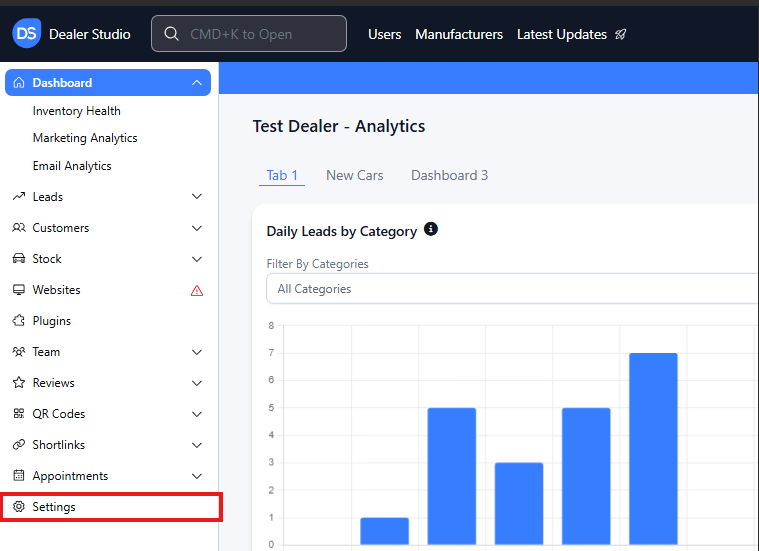
Step 1: On the Dealership Dashboard, Settings on the Bottom Left menu
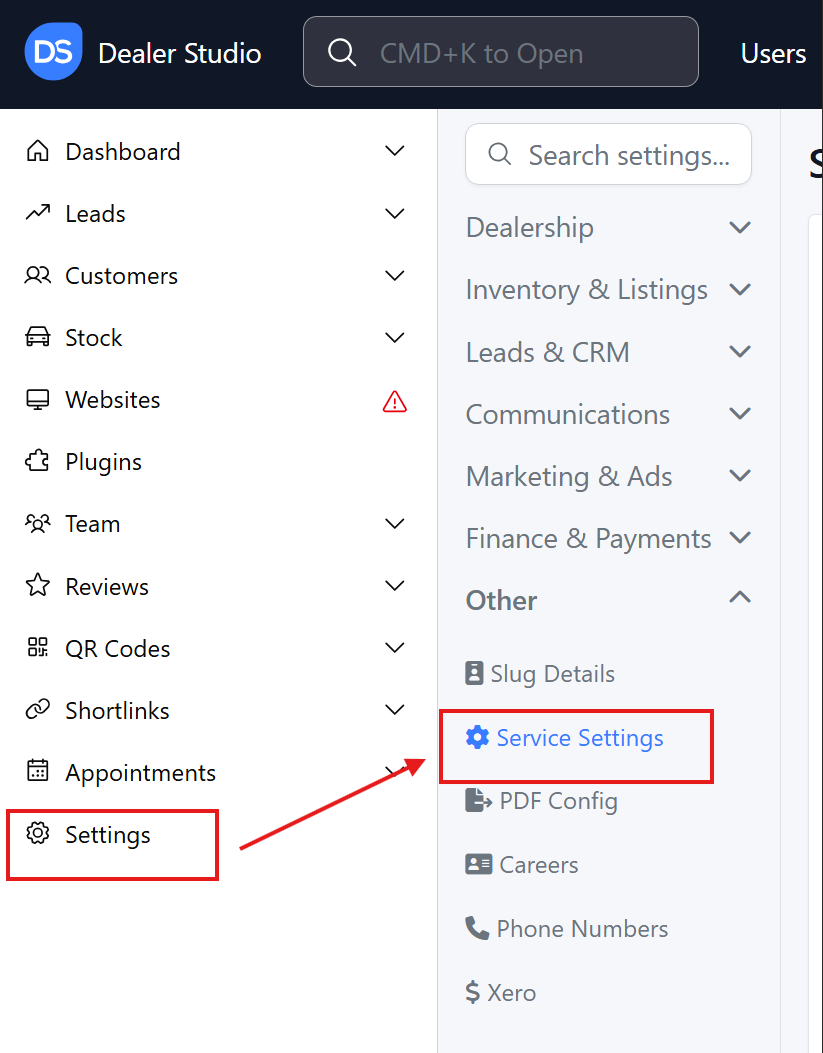
Step 2: Select Other then click Service Settings to View Servicing times
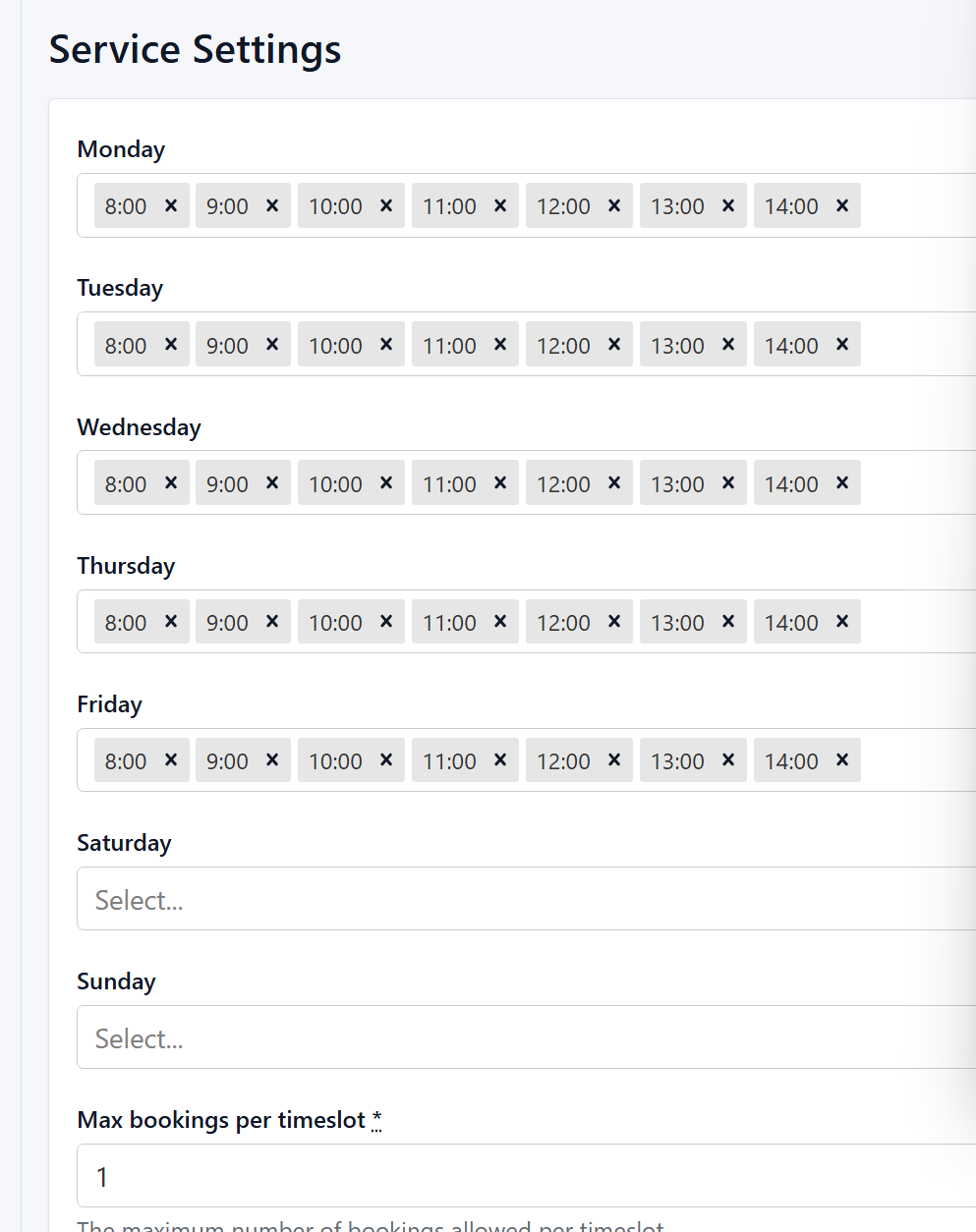
![]() Step 3: View what times you have available
Step 3: View what times you have available
Step 4: Please alter and change the availability as needed;
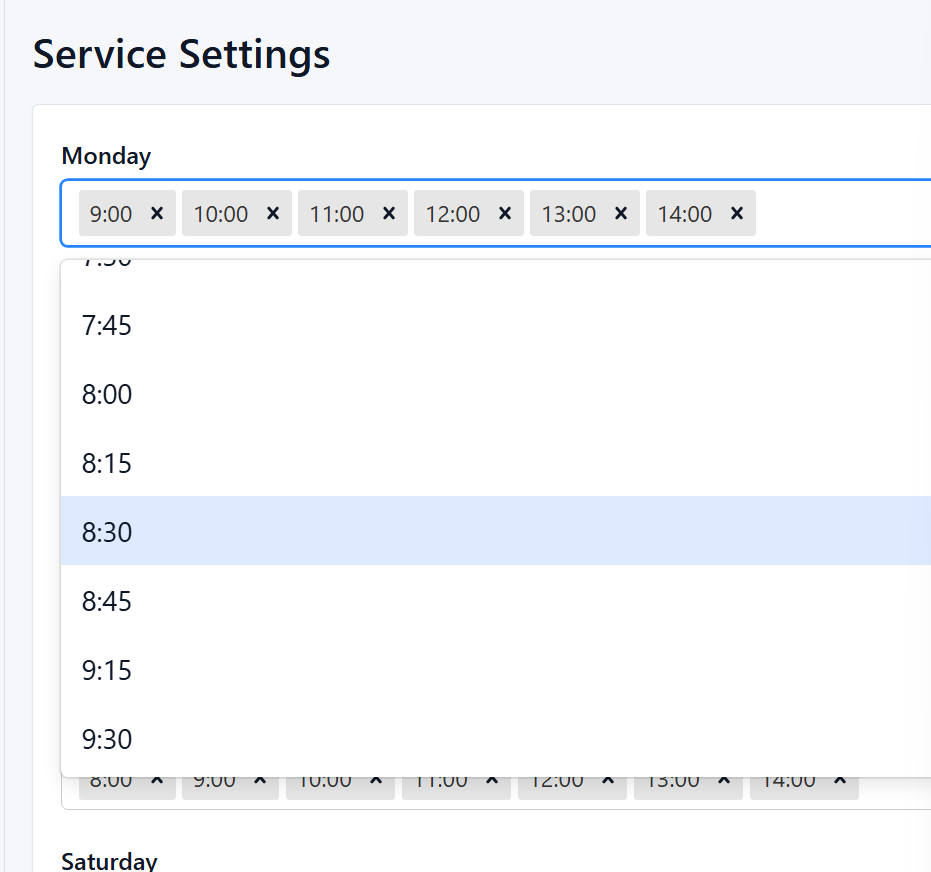
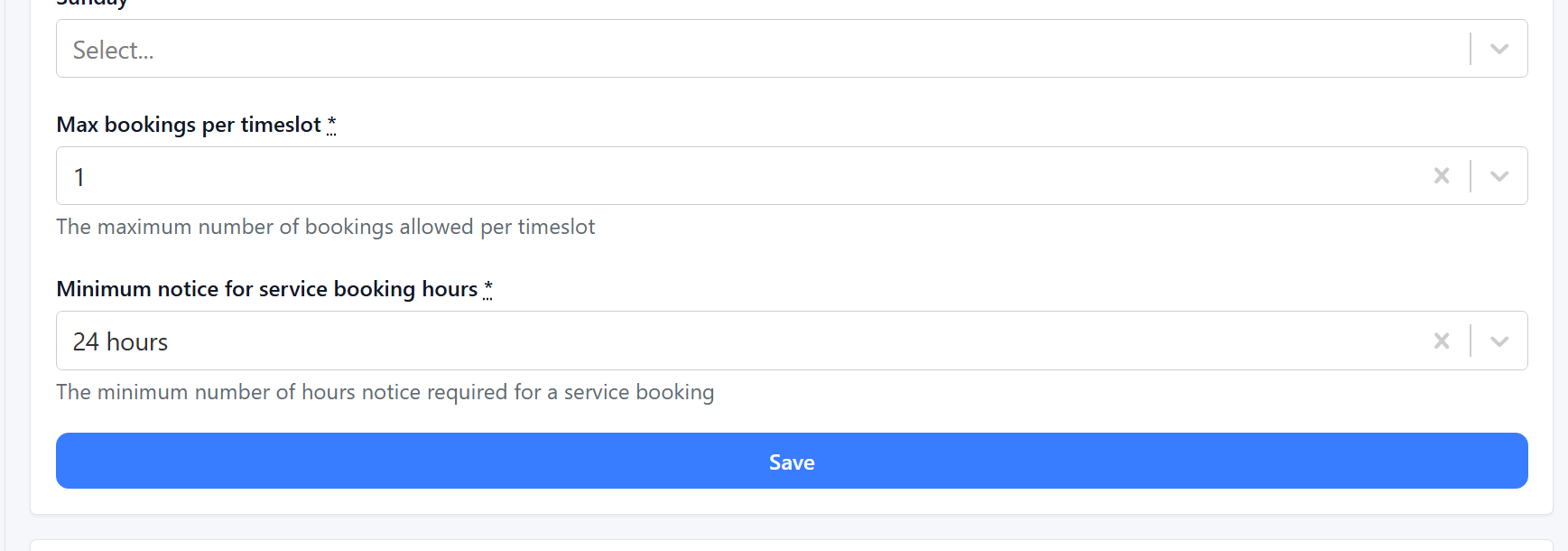
Note: You also have the ability to change the notice period for the dealership before clicking Save
Please view the following video for clarity:
https://res.cloudinary.com/total-dealer/video/upload/v1763335895/Service_times_fluzi0.mkv